Creating an organized home office is key to maintaining focus and productivity, especially when working remotely or managing tasks from home. A clutter-free and well-planned workspace can reduce distractions, make it easier to find what you need, and help you feel motivated throughout your workday. If you’re looking to improve your home office setup, here are some helpful tips to organize your space for increased productivity.
Choose the Right Location
Find a Quiet Spot
Select a space in your home that is quiet and free from frequent interruptions. Whether it’s a spare room or a corner of a living room, having a designated area can help mentally separate work from leisure.
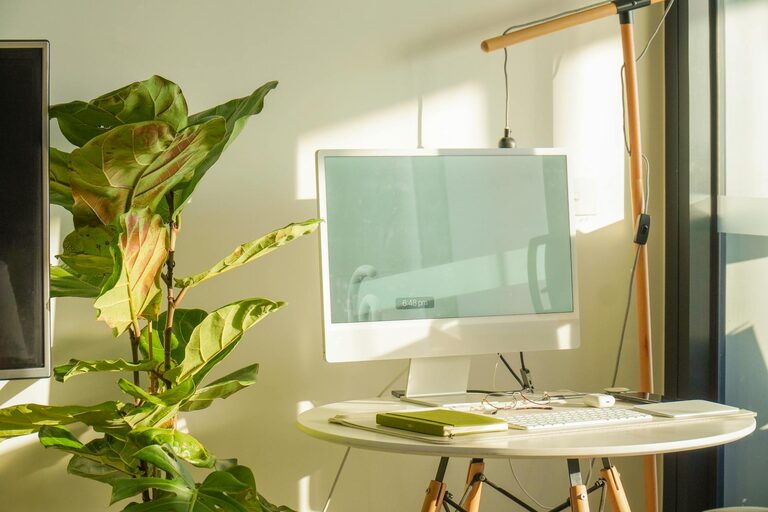
Consider Natural Light
Set up your desk near a window if possible. Natural light improves mood and energy levels, which can contribute to better focus.
Declutter and Simplify
Clear Your Desk Weekly
Start with a clean desk by removing unnecessary items and only keeping essential tools within reach. Regularly decluttering can prevent build-up of distractions.
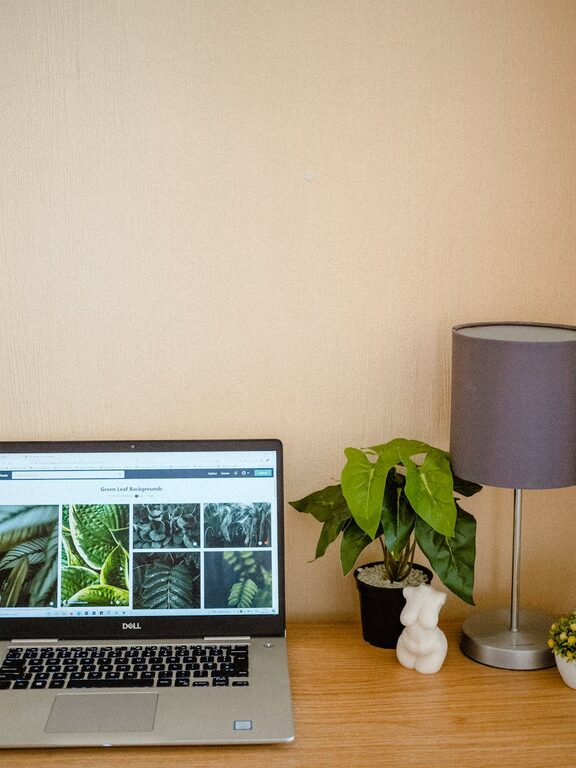
Use Minimal Decorations
While personal touches can make your space inviting, too many items can cause visual clutter. Opt for a few meaningful decorations that inspire you without overwhelming the workspace.
Optimize Storage Solutions
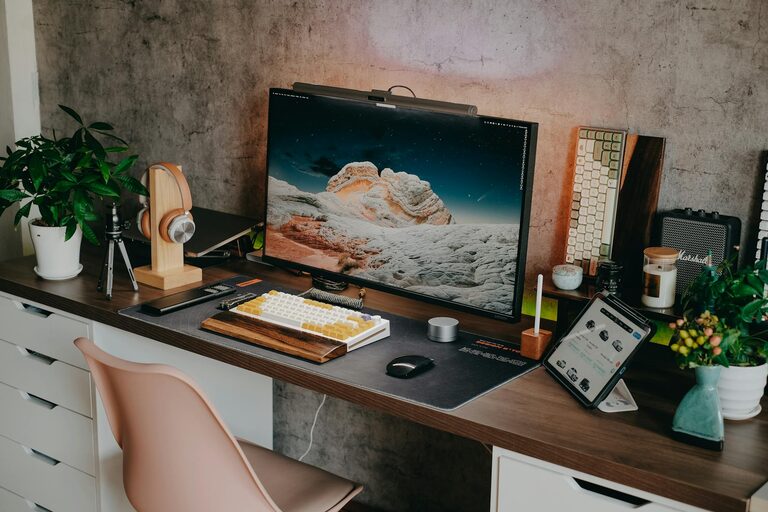
Use Desk Organizers
Invest in trays, pen holders, and drawer dividers to keep office supplies orderly. This makes it easier to find what you need and keeps surfaces neat.
Add Shelving or Cabinets
Vertical storage like shelves or filing cabinets can hold books, documents, and equipment without taking up valuable desk space.
Label Everything
Label boxes, folders, and drawers to quickly identify contents. This reduces time spent searching and keeps your system consistent.
Set Up an Efficient Workflow
Arrange Tools by Frequency of Use
Keep the items you use daily within arm’s reach. Store less-frequently used tools further away but still accessible.
Use Cable Management
Tangled cables can be distracting and dangerous. Use clips, sleeves, or under-desk trays to keep wires organized and safe.
Create Zones for Different Tasks
Separate Computer Work from Paperwork
If space allows, designate different areas for digital tasks and paperwork. This helps keep each type of work organized and reduces confusion.
Include a Comfortable Chair Zone
If you often brainstorm or take phone calls, consider a small seating area to change posture and maintain comfort throughout the day.
Incorporate Technology Thoughtfully
Use Multiple Monitors Wisely
Dual monitors can boost productivity by allowing multitasking without switching windows. Make sure they are positioned ergonomically to reduce strain.
Choose Wireless Devices
Wireless keyboards, mice, and printers reduce cable clutter and give flexibility in arranging your desk.
Personalize for Comfort and Inspiration
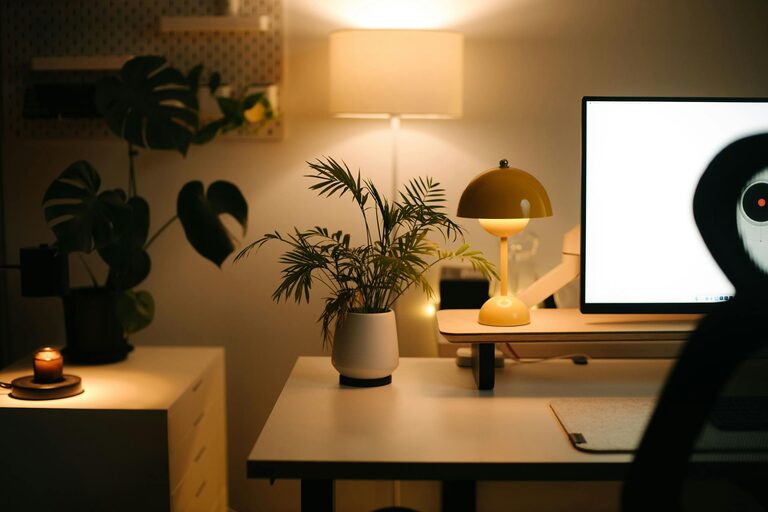
Add Plants
Plants improve air quality and add a refreshing touch to your space. Choose low-maintenance varieties like succulents or snake plants.
Include Motivational Elements
Use calendars, quotes, or vision boards that keep you motivated and focused on your goals.
Maintain Your Organized Office
Schedule Weekly Tidying Time
Set aside a few minutes each week to put things back in order and reassess your organization system.
Review and Adjust Regularly
As your work changes, your needs may change too. Don’t hesitate to reorganize your space to better suit new tasks or habits.
—
By thoughtfully designing and maintaining your home office, you can create an environment that supports concentration and efficiency. Implementing these tips will help you build a productive workspace that feels good to work in every day.
About the Author