Creating a productive home office environment is essential for anyone working remotely or managing tasks from home. A well-designed workspace can boost your focus, reduce distractions, and improve comfort throughout the day. Whether you have a dedicated room or a small corner, these tips will help you transform your area into an efficient home office.
1. Choose the Right Location
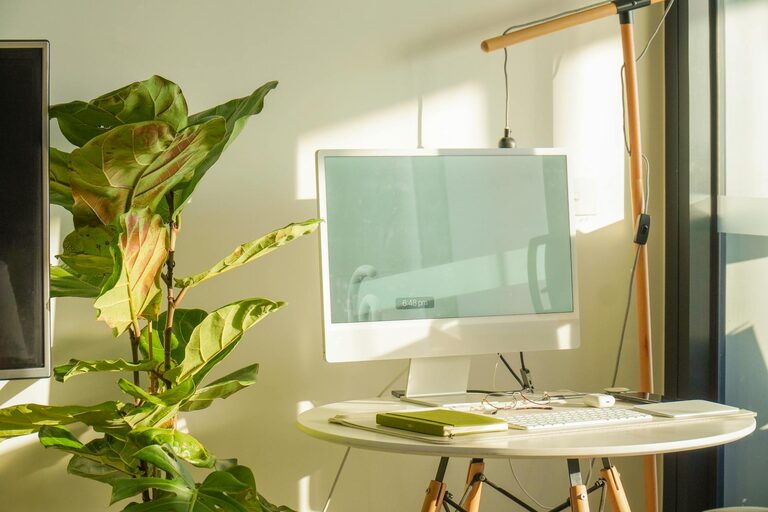
The first step in creating a productive home office is finding the best spot for your workspace. Look for a quiet area with minimal foot traffic to avoid interruptions. Ideally, pick a space with natural light, as this can enhance mood and reduce eye strain. If possible, set up near a window to enjoy fresh air and outdoor views, which can be refreshing during breaks.
2. Invest in Ergonomic Furniture
Comfort is key to maintaining productivity. Invest in a good quality desk and an ergonomic chair that supports proper posture. Your chair should allow your feet to rest flat on the floor and provide lumbar support to prevent back pain. Your desk height should let your arms rest comfortably with your wrists straight while typing.
Ergonomic Tips:
– Keep the top of your monitor at eye level to avoid neck strain.
– Use an adjustable chair and desk to customize your workspace.
– Consider a footrest if your feet don’t comfortably reach the ground.
3. Optimize Lighting
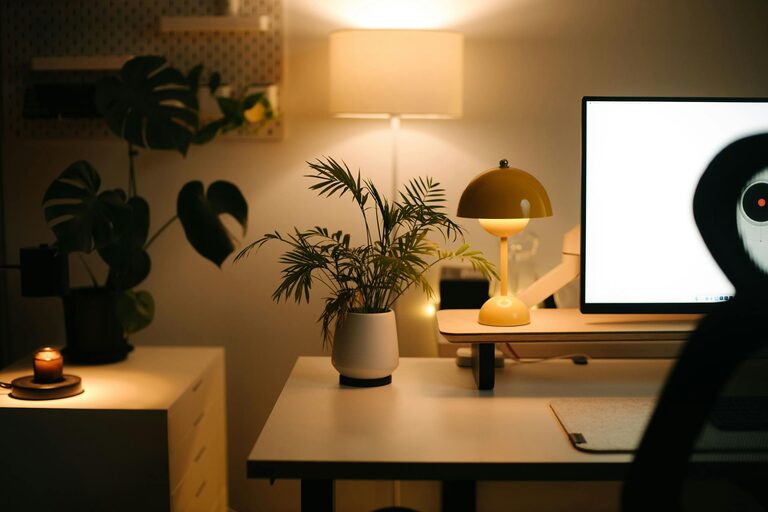
Proper lighting reduces eye fatigue and helps maintain alertness. Besides natural light, consider adding adjustable desk lamps to brighten your workspace. Avoid harsh overhead lights or glare on your screen, which can cause discomfort.
Lighting Suggestions:
– Use warm, soft lighting to create a cozy atmosphere.
– Position your monitor perpendicular to windows to reduce glare.
– Use task lighting for focused work areas.
4. Organize Your Workspace
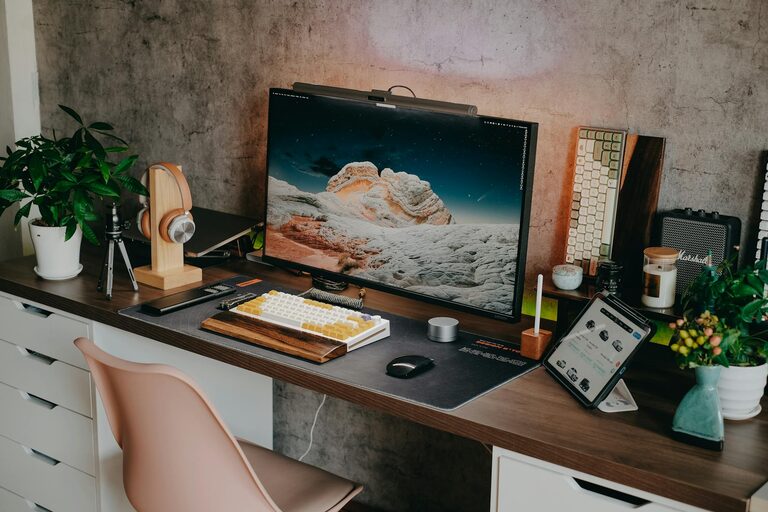
A clutter-free workspace promotes focus and efficiency. Keep only essential items on your desk to avoid distractions. Use organizers like trays, drawers, or shelves to store documents, stationery, and electronics neatly.
Organization Tips:
– Declutter regularly to maintain a tidy space.
– Use cable management solutions to minimize tangled cords.
– Label files and storage boxes for easy access.
5. Personalize Your Space
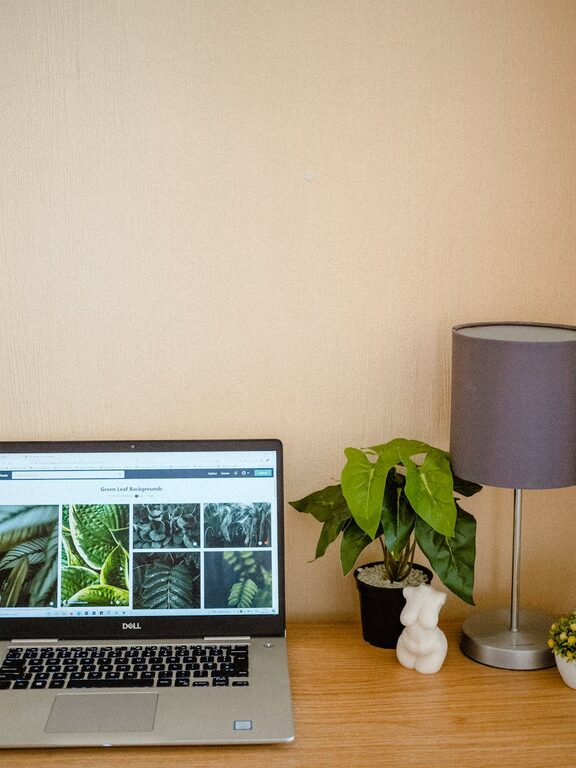
Adding personal touches to your office can make it more inviting and motivating. Decorate with items that inspire you, such as plants, artwork, or meaningful photos. Plants, in particular, improve air quality and add a calming effect.
6. Minimize Distractions
Home environments can be full of potential distractions. Try to set boundaries with family members or housemates about your work hours. Use noise-cancelling headphones or play soft background music if needed to focus.
Additional Tips:
– Turn off unnecessary notifications on phone and computer.
– Schedule regular breaks to avoid burnout and improve concentration.
– Use “do not disturb” signs if you share your space with others.
7. Use Technology Wisely
Equip your home office with reliable tech tools to enhance productivity. A fast internet connection, quality headset, and webcam are essential for video meetings. Use productivity apps for task management, time tracking, and note-taking to stay organized and on schedule.
8. Create a Routine
Building a consistent work routine helps your mind transition into productive mode. Set clear start and finish times to maintain work-life balance. Start the day by reviewing your tasks and prioritize your most important projects.
Conclusion
Designing a productive home office is about balancing comfort, organization, and efficiency. By choosing the right location, investing in ergonomic furniture, optimizing lighting, and minimizing distractions, you can create an environment that supports your best work. Personalizing your space and establishing routines will help you stay motivated and focused. With these practical tips, your home office can become a place where productivity thrives.
About the Author